
How to find previously shared content

Find files, links or pinned messages that have previously been shared in an NGI Space

marta.albujar 28 de julio de 2021

In those NGI Spaces with the form of a chat, you can retrieve previously shared content, such as links, uploaded files or featured messages. Here's how:

  1. Once you are inside the community, access aSpace of your choice.
  2. In the searchable chat history panel (on the right-hand side), click on Shared files, Shared links or Pinned messages to access files, links and pinned messages that were posted previously.

You can also access files and threads from all Spaces by accessing the Threads or Files collections from the left-side panel menu.
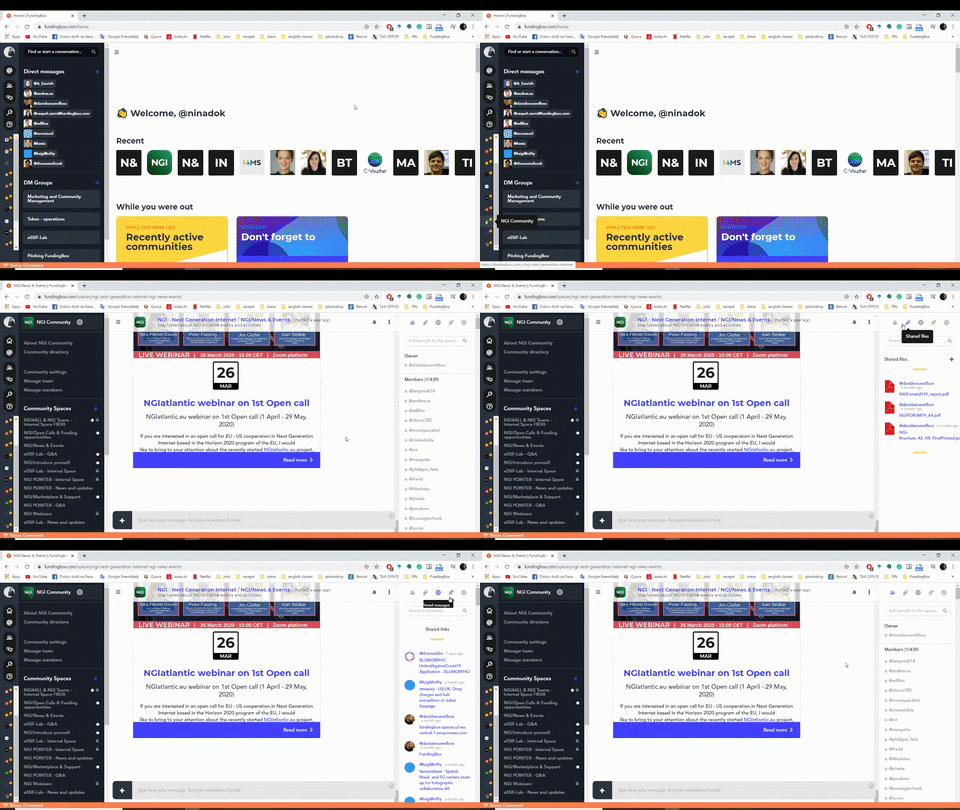

gif

#ngi-community